How to Choose a Piano App? 6 Dimensions to Help You Avoid Common Pitfalls
Lang Lang once said: “No matter who you are — even if you’re a genius — it won’t work if you don’t practice. You have to connect your hands and your brain to play well.” This quote reveals two hard truths about learning piano: first, there are no shortcuts — only practice; and second, effective practice is a coordinated effort between hands and mind, not mindless repetition.
On the long road of piano learning, one common challenge stands in every parent’s way: “Which piano app should I choose for my child?”
The market is flooded with piano learning apps — from well-known international products to AI-powered practice assistants, from simple sheet music tools to story-driven adventure apps. Every one of them promises that “your child will love practicing and progress faster.” But when it actually comes time to choose, most parents feel completely lost.
The core logic behind choosing the right app isn’t complicated: mainly, you want to see whether it solves the most critical problems in your child’s practice routine — engagement, accuracy, consistency, and the burden on parents. Today, let’s break it down across different dimensions so you can find the piano app that truly fits your child.
1. Functionality: Does It Solve the “I Don’t Know How to Teach” Problem?
One of the biggest challenges in home practice is that parents don’t know how to guide their child. Kids often ask: “Did I play that wrong, Mom?” or “Dad, which key is that note?” If the app can’t provide timely feedback, it’s basically useless.
When choosing, pay attention to:
Does it have real-time error correction (can it detect wrong notes and rhythm issues, rather than just giving a score)?
Does it offer demo audio (so your child can compare their playing against the correct version)?
Does it include accompaniment features (to help develop a sense of rhythm and ensemble skills)?
2. Engagement: Can It Get Your Child to Practice Willingly?
Practicing piano isn’t a mechanical task — it’s a long game. The biggest obstacle is simply “the child refuses to sit down at the piano.” That’s why an app’s approach to making practice fun really matters:
Does it use gamification (to spark your child’s motivation)?
Does it include story or character companions (to make practice more enjoyable)?
Does it provide achievement feedback (so your child can see their daily progress)?
An app that your child wants to open is worth far more than one that’s “feature-rich but met with resistance.”

3. Age Fit: Is It Right for Your Child’s Stage?
Children of different ages and at different stages of piano learning have completely different needs.
Preschoolers (ages 3–6): Short attention spans — they need highly interactive, animation-rich apps;
Beginners (ages 6–9): Just starting to read music — they need instant error correction and a carefully paced curriculum;
Intermediate and above (ages 9+): They need a larger music library, especially graded exam pieces and popular songs.
When shopping, check whether the app’s curriculum, music library, and interaction design match your child’s current stage.
4. The Parent Factor: Does It Reduce the Practice Supervision Burden?
Many parents can relate: “It’s not the child learning piano — it’s the whole family doing practice duty.” A good app should be friendly not only to kids, but to parents too:
Can you view practice records (so you don’t have to sit there the entire time and still know how practice went)?
Does it address the engagement dimension (so your child practices on their own, without you having to worry)?
Does it have eye-care mode or time reminders (to prevent excessive screen time)?
Is it free from ads and hidden charges (apps used by children must be safe)?
5. Content: Is the Music Library Rich Enough?
Even the best app is useless if its song selection can’t keep up with your child’s needs. Most parents and children can’t transcribe music on their own, so an app with a large library — or one that lets you request songs — is much more practical.
Here’s what to look for:
Does it cover common teaching materials (Thompson, Beyer, Bastien, etc.)?
Does it include graded exam repertoire (ABRSM, RCM, and other systems)?
Does it offer pop and anime songs (to keep things interest-driven)?
Is it updated regularly (to avoid a stagnant library)?

6. Value for Money: Is the Price Reasonable?
The last key question is: “Is it worth it?”
Free vs. paid: Free versions usually have limited features;
Plan flexibility: Are there monthly, quarterly, or annual options?
Cost of trying: Can you try it first at low cost?
When deciding, parents can do a quick comparison: How much does one in-person practice coaching session cost? How much is the app per month? That comparison usually makes it clear whether the investment makes sense.
The six dimensions above might sound a bit abstract. Let’s look at a real example to make it more concrete. Some parents have shared that their child always resisted practice — sitting down at the piano meant endless stalling. After switching to Wonder Piano, things changed. Here’s why — it hits multiple key dimensions:
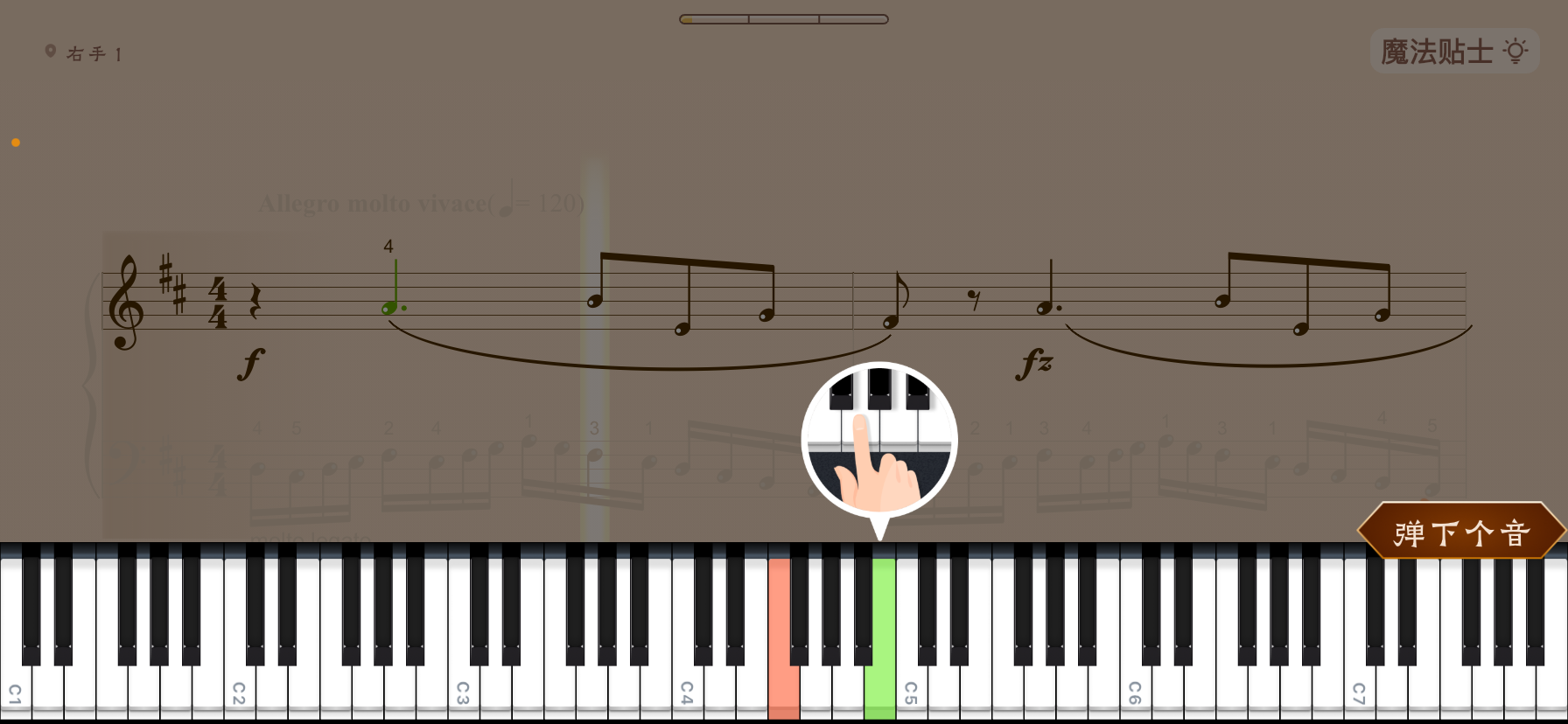
Functionality: It recognizes your child’s playing in real time. Mistakes get flagged immediately, so parents don’t need to serve as the “listening coach”;
Engagement: It turns practice into a “magical world” with stories. Children unlock storylines by practicing — it feels like playing a game;
Parent experience: The app automatically generates practice reports. Parents just need to glance at the data, and the supervision burden drops dramatically.
This example shows that an app’s value doesn’t come from a single feature, but from a balanced combination across multiple dimensions.

Choosing an App Comes Down to Problem-Solving Ability
The key to picking a piano app isn’t about which one has the flashiest marketing — it’s about whether it can solve your child’s most real, everyday struggles.
If you’re worried no one catches your child’s mistakes, focus on real-time error correction. If your child won’t practice willingly, focus on engagement features. If you’re short on time and energy, focus on whether the app can lighten the supervision load. Evaluate different apps along these dimensions, and your choice will become much clearer.
The ultimate goal isn’t to find the “most powerful app” — it’s to find the one that’s the best fit for your child. Because learning music is a marathon, and the app worth choosing is the one that helps your child go further, with less friction along the way.